
Home screen and desktop
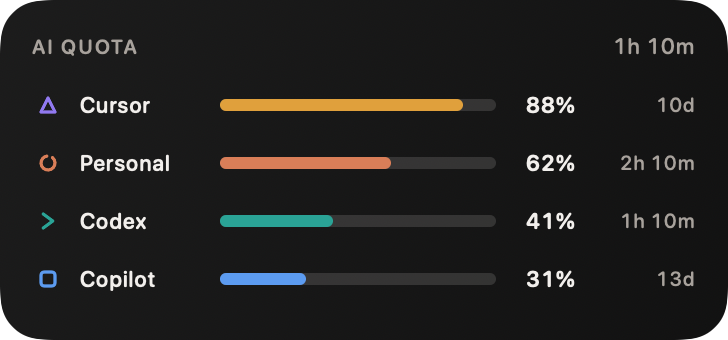
Small, medium and large widgets on iPhone, iPad and Mac, including the Notification Centre.
iPhone · Apple Watch · Mac
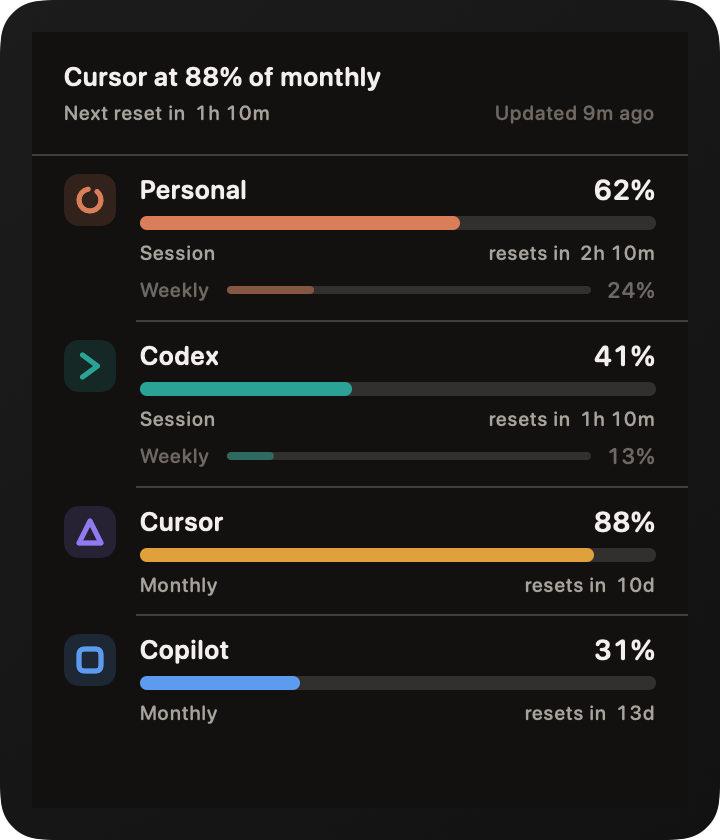
AI Quota meters your personal Claude, Codex and GitHub Copilot limits, and puts them on your home screen, your wrist and your menu bar. No AI Quota account. No server. No telemetry.
Direct fetchingDevice to provider
Private by designNo backend or telemetry
Smart refreshLive when useful, backoff-aware
One purchaseiPhone, iPad, Watch and Mac
Every size is designed on its own terms rather than scaled from one layout. Countdowns tick live, meters shift to amber before you run out, and a missed refresh shows the last known figure with its age instead of an error.
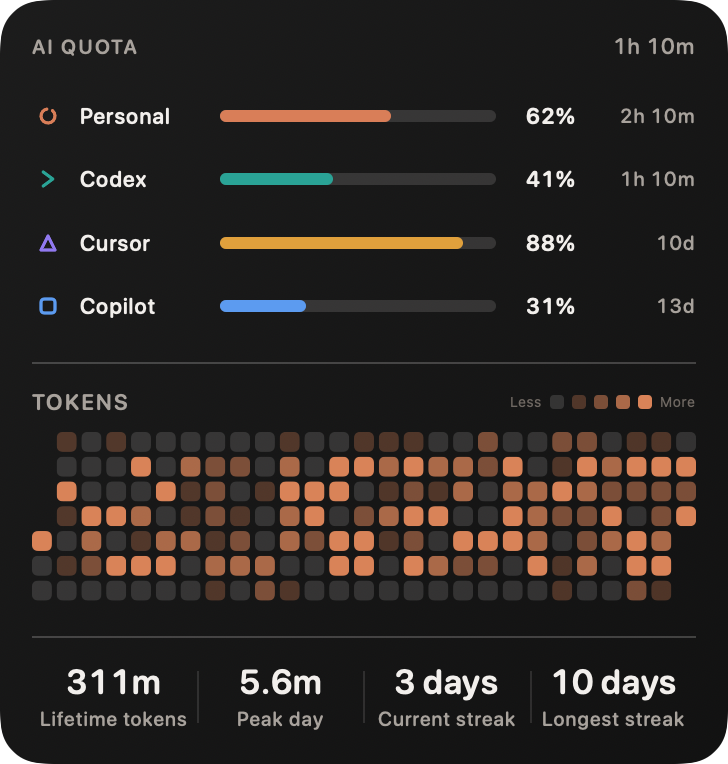
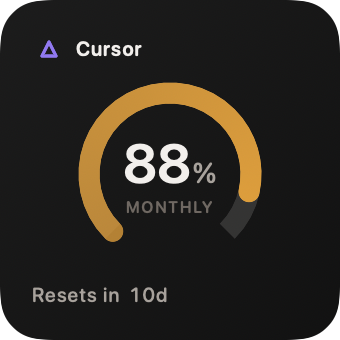
Small, medium and large widgets on iPhone, iPad and Mac, including the Notification Centre.
Circular, rectangular and inline widgets, checked in the tinted and vibrant rendering modes so they still read at a glance.
Complications for the circular, corner, rectangular and inline families, plus a glanceable app.
Choose All Providers, Claude, Codex or Copilot for each widget. Single-account layouts show the closest account to its limit within that provider.
A compact gauge sits in your menu bar. Click it for a full panel: every account, available credits, what is left, and when it resets. Opening the panel refreshes eligible accounts; provider backoff still wins. Background and widget refreshes use the same shared budget, hard safety floor and provider-wide backoff, so they cannot quietly burst Claude's request bucket.
Daily activity uses a calendar heatmap; weekly and cumulative ranges use readable trend charts. Every view says whether it is estimated activity from provider limits or actual tokens from Mac logs, including input, output, cache-read and cache-write counts where available.
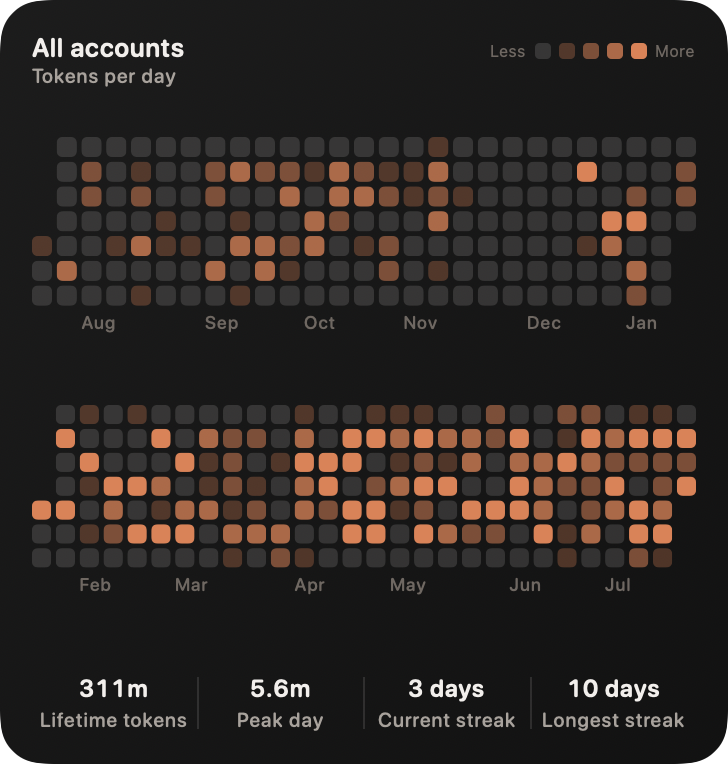
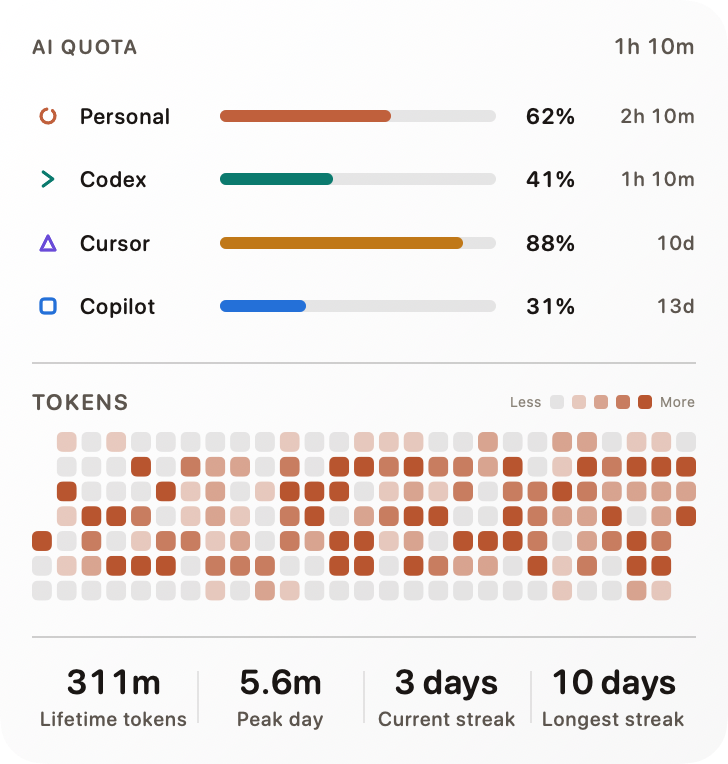
More than a percentage
Claude and Codex credit balances appear when the provider reports them, formatted in their own currency or unit. Pace analysis compares elapsed time with allowance used, ignores resets, and only projects exhaustion after enough evidence exists. Optional device-local alerts are off until you enable them.
Remaining, used, limit, zero, exhausted and unlimited states without inventing a meter.
Refreshing, waiting and failures stay close to the affected account; successful refreshes collapse into one quiet freshness label.
“May run out” appears only after two meaningful samples and only when exhaustion precedes reset.
On-device architecture
No AI Quota server sits in the middle. Raw provider responses, tokens, local log paths and notification permissions are never put in iCloud.
Release status
The listing is not live yet. Features that require real accounts or two physical devices stay marked as acceptance testing until those checks are complete.
| Capability | Where | Status |
|---|---|---|
| Provider limits and credits | iPhone, Mac, Watch, widgets | Built |
| Smart live menu refresh | Mac | Built |
| Actual token history from local logs | Mac, local folder grant | Built |
| Private iCloud history sync | Apple devices | Device testing |
| Phone-to-Watch live transfer | iPhone + Watch | Device testing |
| Automatic Claude sign-in | Mac + iPhone | Account testing |
AI Quota is built for personal accounts. Team, business and enterprise plans report usage through administrator APIs that a personal app cannot read, so they are out of scope.
Yes. Add as many as you like, name them whatever makes sense, and each gets its own meters, colour and history.
No. The iPhone app connects to each service on its own. A Mac adds richer analytics from the logs your CLI tools keep locally, but nothing requires one.
Only one of these services publishes a documented usage endpoint, so a change can temporarily stop a meter updating. AI Quota keeps showing the last figure it retrieved along with its age, and never blanks a meter or invents a number.
No. AI Quota is $4.99 once, covering iPhone, iPad, Apple Watch and Mac as a single purchase. There are no in-app purchases.
AI Quota is an independent app. It is not affiliated with, authorised by, or endorsed by Anthropic, OpenAI or GitHub. Claude, Codex and GitHub Copilot are trademarks of their respective owners, used here only to describe which service an account belongs to.